When to use a command-line command
For desktop administrators,a graphical user interface
provides helpful display features such as windows, pull-down menus and
scroll bars. But a tried-and-true command-line command can accomplish
almost all of the same tasks -- sometimes more efficiently, especially
if you're scripting.
Windows 7 has myriad command-line scripts built into the operating
system that you can use to shut down a user's computer, turn a firewall
on or off, or force an update. Because they're so useful and there are
so many, it's a good idea to start exploring some basic Windows 7 command prompts.
Here's one to get you started. If you run a large network space, you
can apply all of the commands in this slideshow to a group of remote
computers with this command-line command:
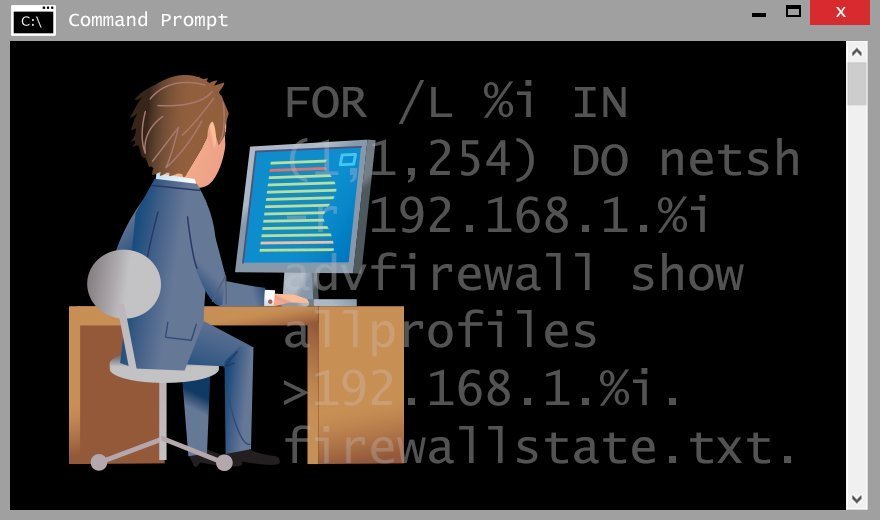
FOR /L %i IN (1,1,254) DO netsh -r 192.168.1.%i advfirewall show allprofiles >192.168.1.%i.firewallstate.txt.
This will execute whatever command you need on multiple computers or IP addresses.
In the example above, netsh is a place holder. You can put any switch you want in its place to execute across multiple computers.


Komentar
Posting Komentar